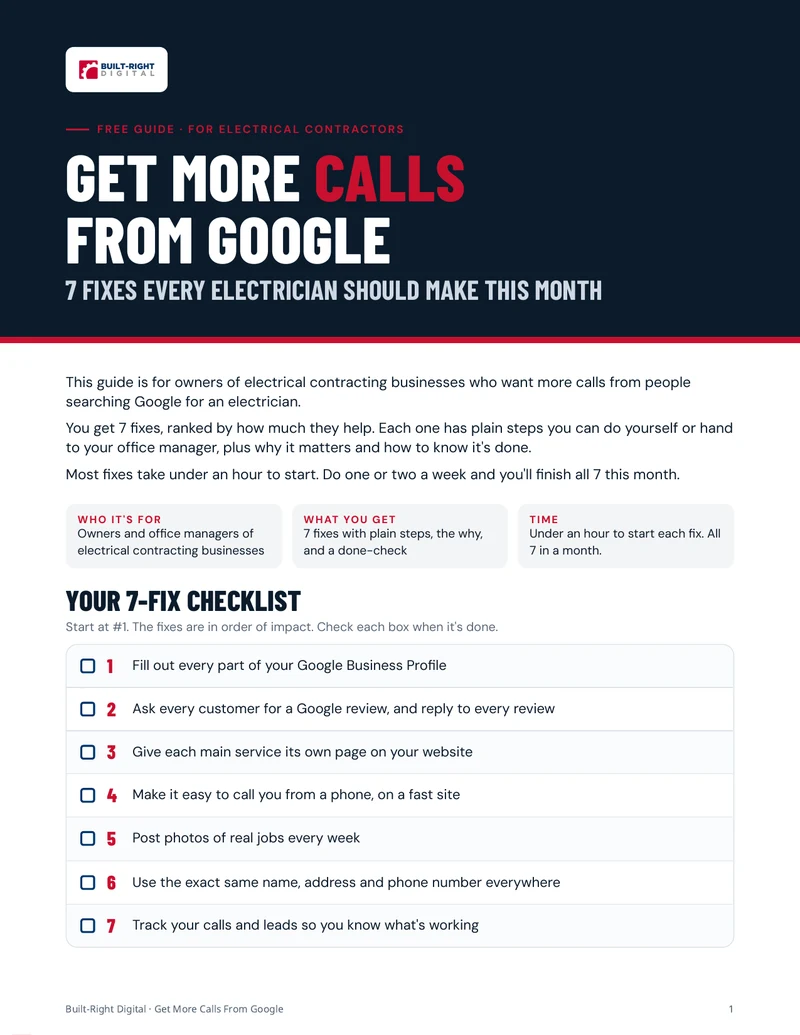













The 7 most useful electrician website management tips are: assign clear ownership of updates, keep pages fast on mobile, make calling easy on every page, simplify your forms, connect the site to your CRM and call tracking, publish fresh service and location content, and run monthly security and backup checks. Together, these keep your site ranking, loading quickly, and turning visitors into booked service calls.
Your website works as your busiest salesperson, but only when someone looks after it. Many electrical companies launch a good site, then leave it untouched for years. Plugins go out of date, pages slow down, phone numbers change, and service area pages stop matching the work the team actually wants.
As an electrician marketing agency, we see this pattern often, and our web design for home services is built to prevent it. The seven tips below show what to check, how often, and where to focus first. If you want the work handled for you, our electrician website management service covers every step.
What Is Electrician Website Management?
Electrician website management is the ongoing work of keeping an electrical company’s website updated, secure, fast, and focused on generating calls. It covers software and plugin updates, backups, speed checks, content edits, form testing, tracking, and small design changes as your services and service areas grow.
Website design is a one-time project. Website management is what happens every week and month after launch, so the site keeps doing its job long after the designer hands it over.
Why Electrician Website Management Matters
Electrician website management matters because a neglected site quietly loses rankings, leads, and trust. Homeowners who need a panel upgrade, EV charger install, or emergency repair usually compare two or three local electrical companies, and they judge each one by how its website looks and works on a phone.
A site that loads slowly, shows an old phone number, or has a broken quote form sends that homeowner straight to the next result. Google also pays attention to speed, mobile usability, and how current your content is, so the same problems that frustrate visitors can push your pages lower in local results.
Licensed electricians are trusted with safety-critical work, and your website should reflect that standard. Current license details, recent project photos, fresh reviews, and accurate service lists all signal that a real, active team stands behind the business.
Regular management also protects the money you spend elsewhere. Every dollar in ads, SEO, or direct mail sends people to your site, and those dollars are wasted if the pages they land on are broken or slow. The good news is that most of this work follows a simple routine, and it starts with deciding who owns it.
1. Assign Clear Ownership of Website Updates
Assign one person or partner to own your website so updates, fixes, and checks actually happen on schedule. When “everyone” is responsible, small issues like an outdated service list or an expired promotion stay live for months.
Write down who handles each task: software updates, content edits, form testing, and reporting. Set a simple calendar, such as weekly backups, monthly updates and speed checks, and quarterly content reviews. If nobody in-house has the time, hand the routine to a team that manages websites for home service businesses every day.
2. Keep Your Site Fast on Mobile
Keep your website fast on mobile, because most homeowners searching for an electrician are on their phones and leave slow pages quickly. Speed affects both your rankings and the number of people who stay long enough to call.
- Compress images: Resize and compress project photos before uploading them.
- Set up browser caching: Let returning visitors load stored files instead of downloading them again.
- Limit plugins: Remove plugins you no longer use, since each one adds code and risk.
- Test monthly: Run your key pages through Google PageSpeed Insights and fix the biggest issues first.
Our electrician web design guide covers the layout side of mobile performance in more detail.
3. Make Calling and Booking Easy on Every Page
Make it easy to call or book from every page, because a visitor who has to hunt for your phone number often gives up. Put a click-to-call button in the mobile header, add a short quote form on service pages, and repeat the call to action near the bottom of long pages.
Consider a hypothetical example: if 80 percent of your visitors arrive on phones and your number only appears in the footer, most of them must scroll the full page before they can call. Moving a tap-to-call button into the header removes that step for the majority of your traffic. Track calls and form fills before and after the change so you can see the real effect on your own site.
4. Simplify Your Contact and Booking Forms
Simplify your forms to the fewest fields you need to call the customer back. Name, phone number, service needed, and ZIP code are usually enough for a first contact; extra questions can wait for the phone call.
Test every form at least once a month by submitting it yourself. Confirm the message reaches the right inbox, the confirmation page loads, and the lead appears in your tracking. A form that silently fails can cost you weeks of leads before anyone notices.
5. Connect Your Website to Your CRM and Call Tracking
Connect your website to your CRM and call tracking so every lead is recorded and followed up quickly. When form submissions and calls flow into one system, your office team can respond in minutes and you can see which pages and campaigns bring in booked jobs.
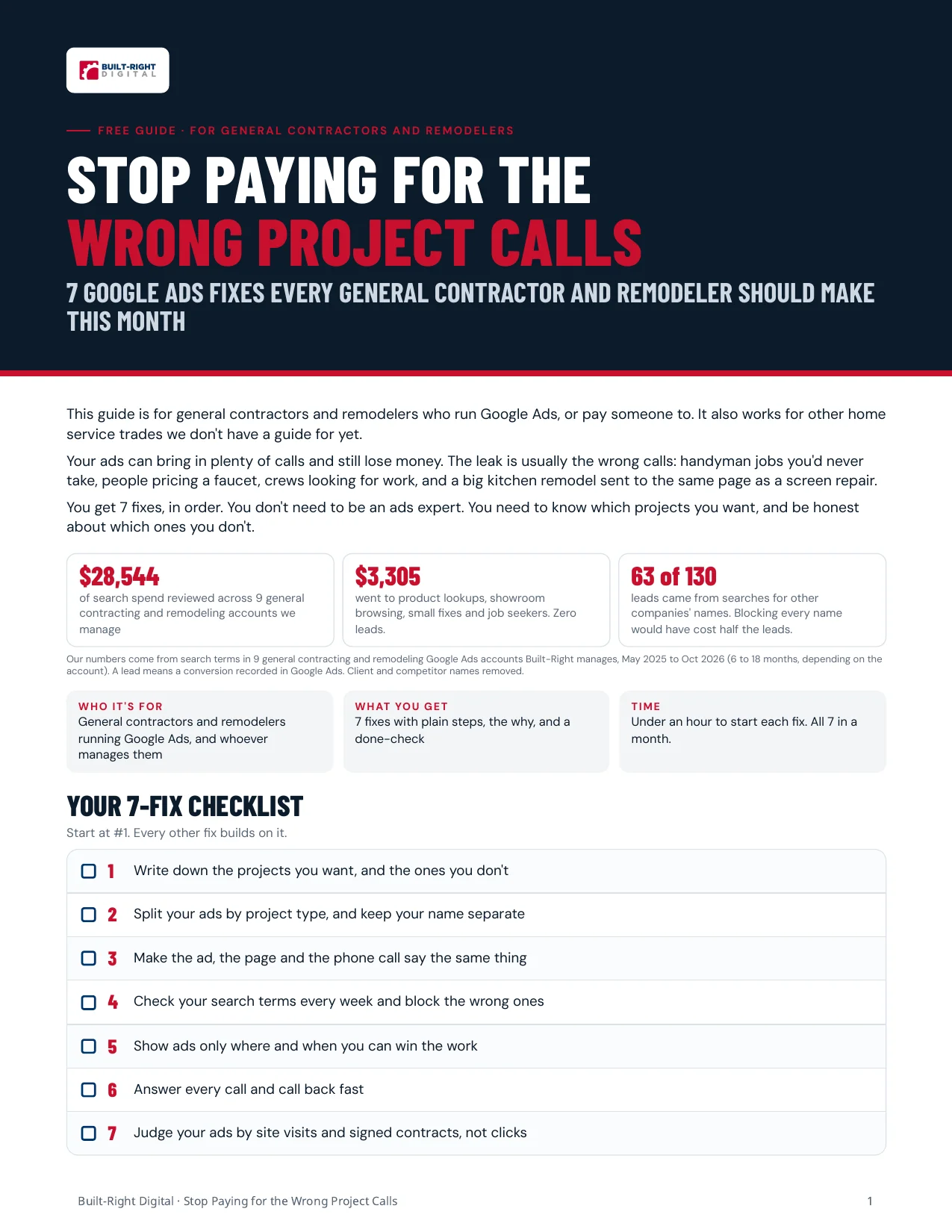
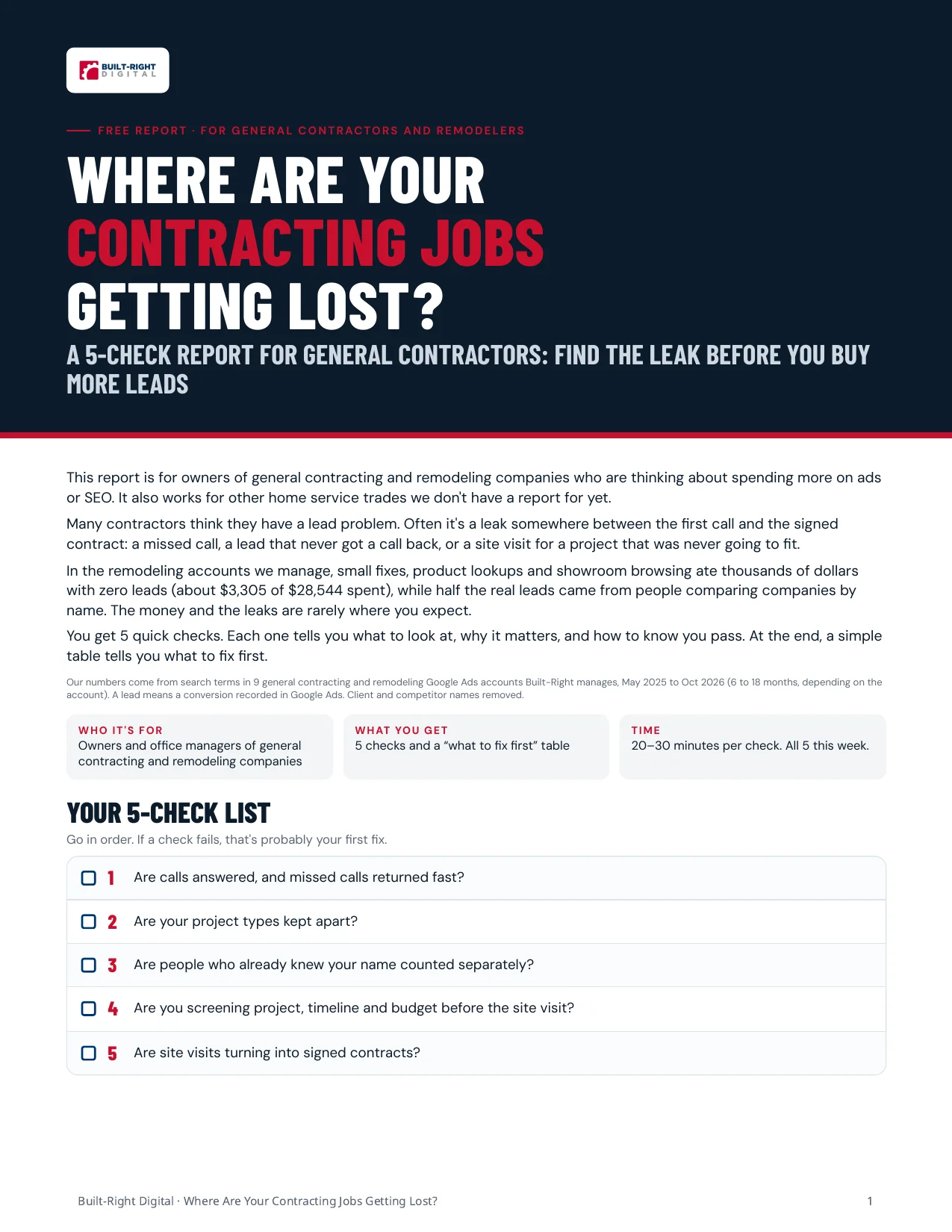
This also helps you judge paid traffic. If you run Google Ads management, tracked calls and forms show which keywords produce real electrical work, not just clicks. Our electrician lead generation services pair this tracking with campaigns built to fill your schedule, and electrician call tracking shows which leads turn into booked jobs.
6. Publish Fresh Service and Location Content
Publish fresh service and location content regularly so Google and homeowners see an active, relevant business. Add pages for specific services like EV charger installation, panel upgrades, generator hookups, and lighting retrofits, plus pages for the towns you serve most.
Good content supports your SEO services and local SEO services by answering the questions local customers type into Google. Our content marketing services plan these pages around real search demand, and electrician link building helps the strongest pages earn authority from relevant local sites. For more ideas, read our electrician SEO tips.
7. Run Monthly Security, Backup, and Performance Checks
Run security, backup, and performance checks every month so a hack, server failure, or bad update never takes your site offline for long. Most website emergencies are preventable with a short, repeatable checklist.
- Backups: Keep automatic daily or weekly backups stored off the server.
- Updates: Update your CMS, theme, and plugins after testing on a staging copy when possible.
- Security: Use strong passwords, two-factor login, and a security plugin or firewall.
- SSL: Confirm your SSL certificate is active and renewing automatically.
- Uptime: Set up uptime alerts so you know right away if the site goes down.
If you are weighing whether to rebuild instead of maintain, our breakdown of electrician web design cost explains what a new site typically involves.
Related Resources
- Electrician Lead Generation Tips
- Electrician Marketing Ideas
- How to Get More Leads as an Electrician
- Best Electrician Web Design Agencies
- Electrician SEO Cost
- Electricians Google Ads Guide
Frequently Asked Questions
How often should an electrician update their website?
An electrician should check the website at least monthly and make content updates every quarter. Monthly work covers software updates, backups, speed tests, and form testing. Quarterly reviews cover service pages, service areas, photos, reviews, and promotions, so the site always reflects the work your team wants to book next.
What does electrician website management include?
Electrician website management includes software and plugin updates, backups, security monitoring, speed improvements, content edits, form testing, and call and lead tracking. Many plans also add monthly reporting, so you can see traffic, calls, and form submissions and know whether the website is producing booked electrical jobs for your business.
Can I manage my electrical company website myself?
You can handle small edits yourself, such as updating hours, photos, or a promotion. Updates, security, speed work, and tracking take more technical skill and regular time, so many electrical company owners hand those tasks to a specialist and spend their own hours running jobs, crews, and estimates.
How much does electrician website management cost?
Electrician website management cost depends on the size of your site, how often you need content changes, and whether tracking and reporting are included. Basic maintenance costs less than ongoing content and SEO work. You can review our pricing page or request a custom quote for your website.
Does website management help my electrician SEO?
Yes, website management supports your electrician SEO because Google rewards sites that load fast, work well on phones, stay secure, and publish current content. Fixing broken pages, improving speed, and adding new service and location pages all help your site compete for local searches like “electrician near me” in your area.
What happens if I never update my website?
If you never update your website, plugins and software become outdated and easier to hack, pages slow down, and content falls behind your real services. Over time, rankings and leads usually drop, and a security problem or broken form can quietly cost you calls for weeks before anyone notices.
Keep Your Electrician Website Working for You
A well-managed website keeps your phone ringing long after launch. Follow these seven tips on a steady schedule and your site will stay fast, secure, accurate, and ready to turn local searches into booked service calls.
Built-Right Digital has a 4.9/5 rating across major review sites and more than 1,000 clients served. If you would rather spend your time on electrical work than plugin updates, work with a home services marketing agency that handles your website from end to end. Contact our team to get started.