











HVAC email marketing is a set of timed emails to your past customers that rebook tune-ups, renew maintenance agreements and bring back lapsed accounts.
Start with a clean customer list, then send a seasonal tune-up email, a renewal reminder and a review request. Our HVAC email marketing services build and run these campaigns, and the free sample email below shows the format.
- Your past customers are the cheapest jobs you can book, because they already know your name.
- Three campaigns do most of the work: seasonal tune-up, maintenance renewal and win-back.
- Segment by system age and last visit date before you send anything.
- Every marketing email needs a physical address and a working opt-out under the federal CAN-SPAM rules.
Most HVAC companies pay for every new lead and then ignore the customers they already served. A tech visits a home, finishes the job, and the customer never hears from the company again until something breaks.
This guide gives 10 email campaigns, from list setup to measurement. Each one has a cost, a send timing, a sample line and a mistake to avoid. Build them in order: the first three make the rest work.
The send timings are our starting schedule. Adjust them to your climate and your busy weeks.
HVAC email campaigns at a glance
The table follows the order to build them, setup first and revenue campaigns next. Speed means how soon you can expect booked jobs after the first send.
| # | Campaign | Cost | Speed to booked jobs | Best season | Difficulty |
|---|---|---|---|---|---|
| 1 | Clean your customer list | Staff time | Needed first | Any | Medium |
| 2 | Segment by system age and last visit | Software you already use | Needed first | Any | Medium |
| 3 | Capture emails at every touchpoint | Staff time | Slow | Any | Low |
| 4 | Seasonal tune-up emails | Email software | Fast | Spring and fall | Low |
| 5 | Maintenance agreement reminders | Email software | Fast | Year round | Low |
| 6 | Older system replacement emails | Email software | Medium | Summer and winter | Medium |
| 7 | Review request emails | Email software | Medium | Year round | Low |
| 8 | Win-back emails for lapsed customers | Email software | Medium | Off-peak | Medium |
| 9 | Text follow-up beside email | Texting tool | Fast | Peak weeks | Medium |
| 10 | Track opens, replies and booked jobs | Call tracking | Ongoing | Any | Medium |
HVAC email campaigns by build order, 2026. Costs are tool types, not prices.
How do you build an HVAC email list?
You build an HVAC email list by cleaning your existing customer records and tagging each one by system and last visit. Then you collect an email at every job. A short accurate list beats a long stale one.
If you use a CRM, our HVAC CRM automation setup keeps these fields current without manual entry.
1. Clean your customer list
Export every customer and remove the dead records. A clean list protects your sender reputation, which affects whether your emails reach the inbox.
How to do it:
- Export customers from your CRM or field service software.
- Remove duplicates, bounced addresses and anyone who asked to stop.
- Keep name, email, phone, address, last service date and system type.
Cost: staff time. Mistake to avoid: importing a purchased list, which breaks the trust of people who never knew you.
2. Segment by system age and last visit
Split the list into groups so each email speaks to one situation. A customer with a new system needs a tune-up reminder, and a customer with an old system needs a replacement conversation.
How to do it:
- Create tags for tune-up customers, maintenance agreement holders and repair-only customers.
- Add a system age tag: new, middle and old, using your own cutoffs.
- Tag customers with no visit in 18 months as lapsed.
Cost: no extra cost beyond your software. Mistake to avoid: sending every email to every contact.
3. Capture emails at every touchpoint
Ask for an email address at the booking, the visit and the invoice. The more touchpoints you use, the faster the list grows without ad spend.
How to do it:
- Make email a required field on your booking form, as shown in our HVAC web design guide.
- Have techs confirm the address on the tablet before they leave.
- Add an opt-in line to every estimate and invoice.
Cost: staff time. Mistake to avoid: collecting an address without telling the customer you will send them maintenance reminders.
Which HVAC email campaigns rebook past customers?
Seasonal tune-up emails, maintenance agreement reminders and win-back emails rebook the most past customers, because each one is tied to a reason to call. Build them in this order and keep each email to one offer and one button.
4. Send seasonal tune-up emails
Email tune-up customers before the season starts, with one clear booking link. Spring is for cooling systems and fall is for heating.
How to do it:
- Send the first email about six weeks before the season, a reminder two weeks later and a last call at the start of the season.
- Put one button above the fold: book a tune-up.
- Use the sample subject line below and change the season.
Our starting schedule: three sends per season to the tune-up segment. Mistake to avoid: waiting for the first hot week, when your schedule is already full.
Subject: Your AC tune-up before summer
Hi [First name], your last visit was in [month]. Book your cooling tune-up now and get a time that fits your week.
[Book my tune-up]
Reply to this email or call [phone] if you have a question. [Company name], [street address]. Unsubscribe.
5. Send maintenance agreement reminders
Remind agreement holders of their visit and their renewal date. Our approach is to send a reminder before the visit is due and a separate notice before the plan ends.
How to do it:
- Send a visit reminder two weeks before each scheduled tune-up.
- Send renewal notices 60, 30 and 7 days before the plan ends.
- List what the member keeps: priority scheduling and the visits already paid for.
Cost: email software. Mistake to avoid: one single renewal email that arrives after the plan has lapsed.
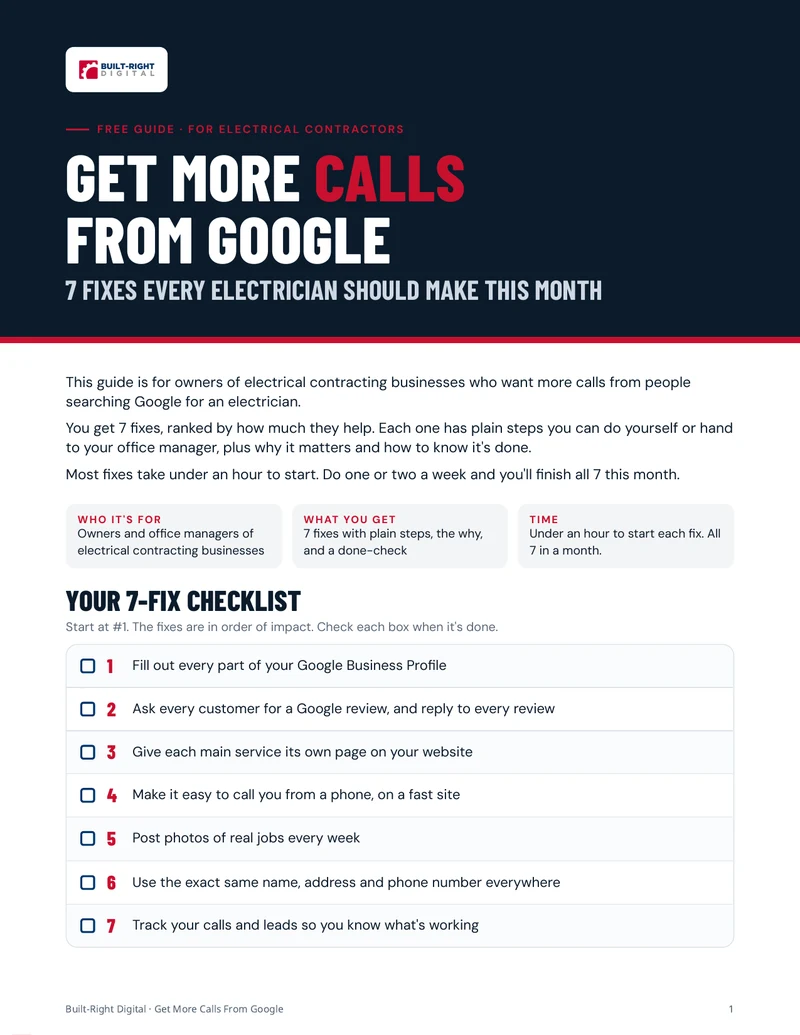
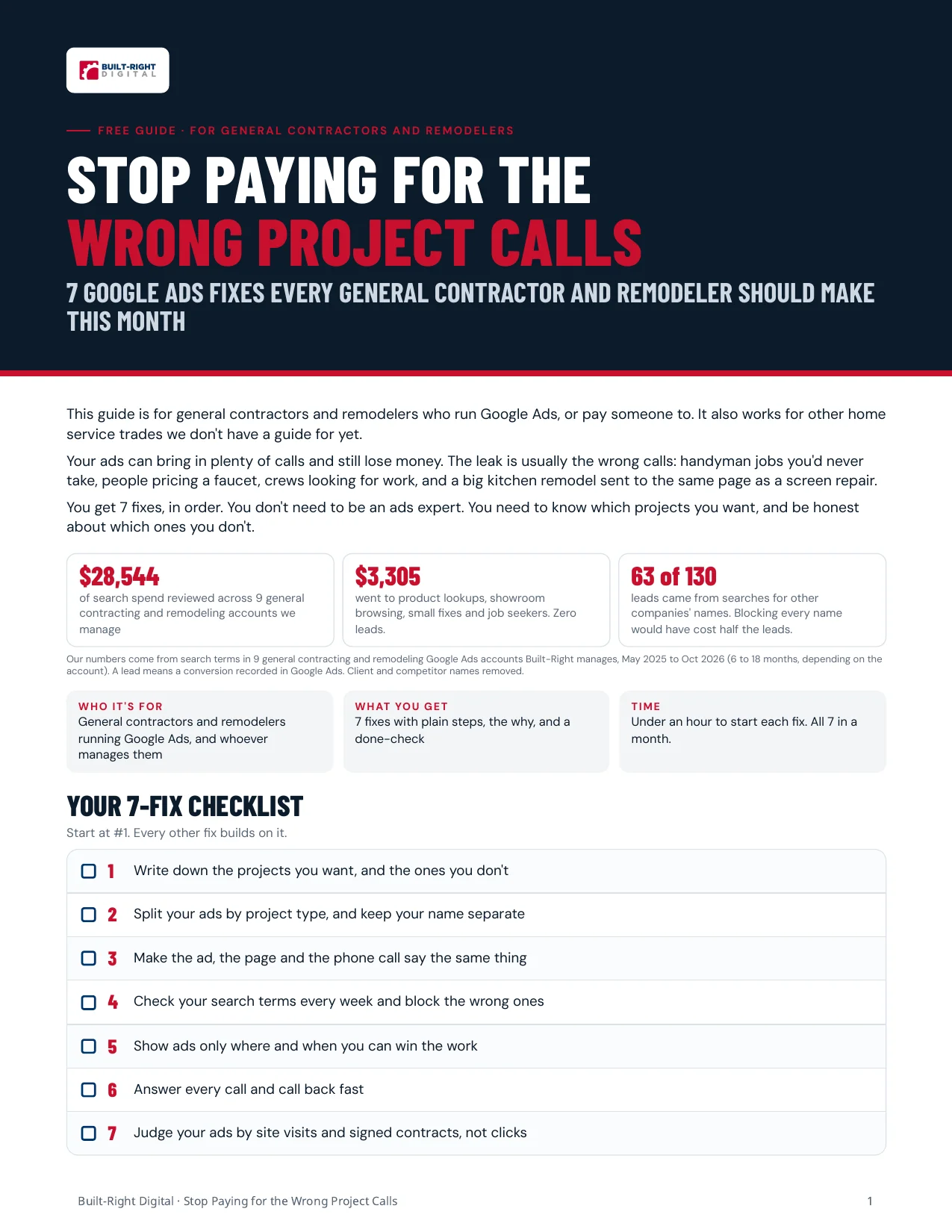
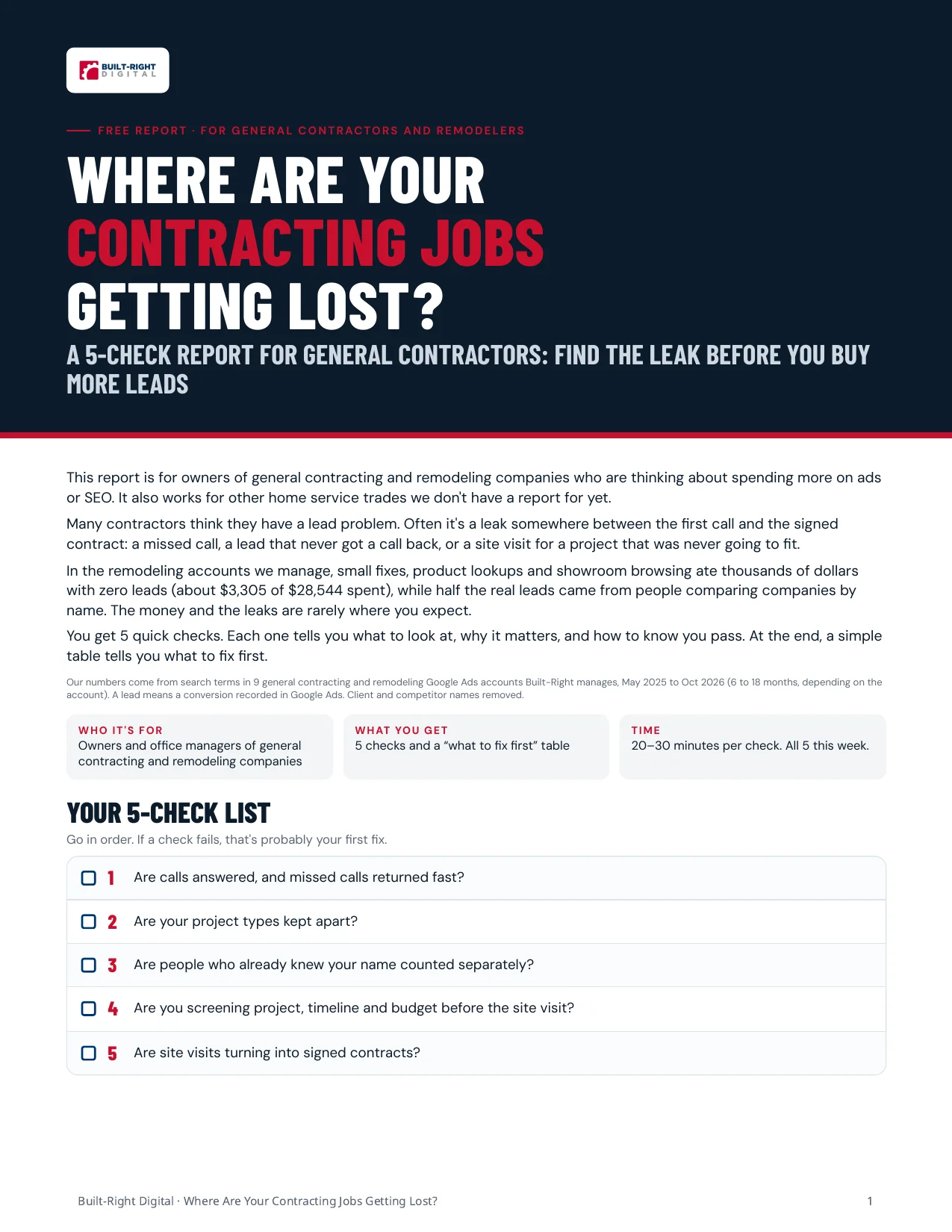
Get the free contractor marketing guide
Get practical marketing steps to bring in better leads with the free Built-Right guide.
Get the free guide6. Send older system replacement emails
Offer a free system check to customers with older equipment. The email starts the replacement conversation before a breakdown forces a rushed choice.
How to do it:
- Pull customers tagged old system from your list.
- Send two emails: one on what to watch for, and one offering a free system check.
- Add a financing line if you offer it.
Cost: email software. Mistake to avoid: sounding like a scare tactic. Explain the signs and let the customer decide.
7. Send review request emails
Ask for a review the day after each completed job. Fresh reviews strengthen your Google profile, so each request has a return.
How to do it:
- Send one email with a direct review link and one reminder three days later.
- Skip customers who reported a problem and call them instead.
- Match this with your HVAC reputation management routine.
Cost: email software. Mistake to avoid: asking for a review and a booking in the same email.
8. Send win-back emails for lapsed customers
Contact customers who have not booked in 18 months with one low-pressure offer. Our rule is to use the same tag from tip 2 and send two emails, a week apart.
How to do it:
- Mention their last visit and the system you serviced.
- Offer a tune-up slot or a free check, not a deep discount.
- Remove anyone who does not open after two emails.
Cost: email software. Mistake to avoid: discounting every email, which teaches customers to wait for a sale.
How do you stay legal and measure results?
You stay legal by following the federal CAN-SPAM rules and you measure results by tracking booked jobs, not opens. Both take a short checklist and a monthly review.
The Federal Trade Commission’s CAN-SPAM compliance guide lists the rules. Your emails need a true sender name, an honest subject line, a physical postal address and a clear opt-out. You must honor opt-outs within 10 business days, and each violating email can carry a penalty of up to $53,088.
9. Add text follow-up beside email
Send a short text to customers who clicked the email but did not book. Text reaches people who skip their inbox.
How to do it:
- Get written consent before you text anyone.
- Send one message with your booking link and a name from your office.
- Stop texting anyone who replies stop.
Cost: texting tool. Mistake to avoid: texting people who only gave you an email address.
10. Track opens, replies and booked jobs
Count booked jobs from each campaign, then compare campaigns by jobs. Open rates tell you if a subject line works, but only booked jobs pay the bills.
How to do it:
- Give each campaign its own booking link and phone number with call tracking and attribution.
- Review each campaign monthly: sends, clicks, replies and booked jobs.
- Keep the one email that books the most and rewrite the rest.
Cost: call tracking. Mistake to avoid: judging success by open rate alone, since open counts are not a reliable measure.
Before you send: list cleaned, segments tagged, one offer, one button, street address, unsubscribe link, booking link tracked.
How do you turn these campaigns into a plan?
Turn these campaigns into a plan: build the list in month one, launch tune-up and renewal emails in month two, and review booked jobs monthly. Add one new campaign at a time.
Follow these steps:
- Finish tips 1 to 3 and tag every customer.
- Launch tips 4 and 5, then add tip 7 for reviews.
- At 30, 60 and 90 days, compare booked jobs and add win-back and replacement emails.
Past customers are only part of the pipeline, so pair email with HVAC lead generation services for new demand. A home services marketing agency can run both, and our full-service plans start at $1,499 a month, month to month, on our pricing page.
For more reach, see HVAC remarketing and HVAC content marketing. Strong reviews also help your HVAC Google Business Profile.
Want these campaigns running for you?
Contact us and we will review your customer list, your current emails and the first three campaigns to launch.
Contact usHVAC email marketing FAQ
What is HVAC email marketing?
HVAC email marketing is sending timed emails to your past customers and leads so they book tune-ups, renew maintenance agreements and call you for repairs. It works because the audience already knows you. The core campaigns are seasonal tune-ups, renewal reminders, review requests and win-backs for lapsed customers.
How often should an HVAC company send marketing emails?
Most HVAC companies do well with one or two emails a month, plus extra sends before spring and fall. Use three emails per season for tune-ups, and two for win-backs. Watch unsubscribes and booked jobs, and slow down if either moves the wrong way.
Are there HVAC email marketing templates?
Yes. A good template has a clear subject line, the customer’s name, their last visit, one offer and one booking button. This guide includes a sample tune-up email you can copy. Always add your street address and an unsubscribe link before you send.
What emails should HVAC companies send to customers?
Send seasonal tune-up emails, maintenance agreement reminders, older system replacement emails, review requests and win-back emails. Each one should match a customer group and carry one offer. Start with tune-ups and renewals, since those tie directly to a booking, then add the others as your list grows.
Is HVAC email marketing legal without opt-in?
Under CAN-SPAM, you can email customers you have a relationship with if you follow the rules. Use a true sender name and subject line, add a physical address and honor opt-outs within 10 business days. Text messages need written consent, so treat texting separately.
Should I hire an HVAC email marketing specialist or do it myself?
Do it yourself if you have a clean list and someone who can send two emails a month. Hire help when the list is large, the CRM is messy or tracking booked jobs takes too long. A specialist should report booked jobs, not just opens.
Related articles
HVAC marketing ideas →
Marketing ideas for HVAC companies.
HVAC SEO tips →
SEO tips for HVAC companies.
How to get HVAC leads →
Lead sources for HVAC companies.
HVAC lead generation cost →
What HVAC leads cost.
Lead generation services →
How Built-Right Digital builds a lead pipeline.